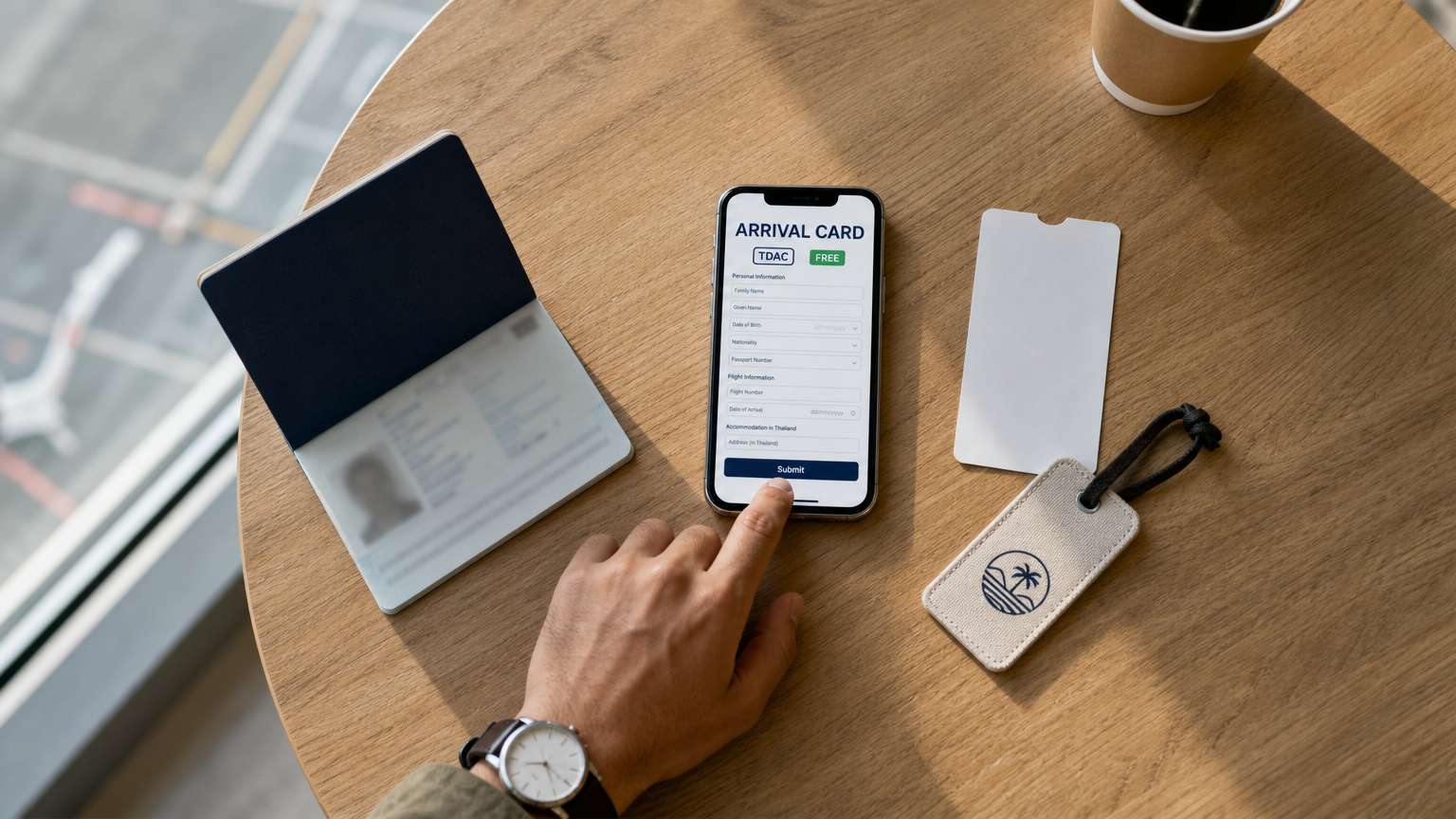
Every traveller who is not a Thai national must complete the Thailand Digital Arrival Card (TDAC) online before arriving in Thailand by air, land or sea. The system, run by the Immigration Bureau, has been mandatory since 1 May 2025. It applies to all visa types, including visitors who enter under the visa exemption scheme. The Immigration Bureau confirms that registration costs nothing.
This matters if you are visiting, or hosting friends, relatives or customers from overseas. The main questions are where to file, what to enter, and how to avoid fake websites that charge fees.
Who must file, and why it is not a visa
The Thai embassies in London and Mexico both say the TDAC applies to "all non-Thai travellers" entering Thailand by air, land or sea, whatever visa they hold. It does not exempt people who enter under the visa exemption scheme. The embassies stress that the TDAC is not a visa. It is an immigration requirement.
In practice, filing a TDAC does not change anyone's right to enter Thailand. People who need a visa must still apply for one. People who can enter without a visa can still do so. They simply have one more step to complete before they arrive. The embassies say existing visa rules and visa exemption arrangements are unchanged.
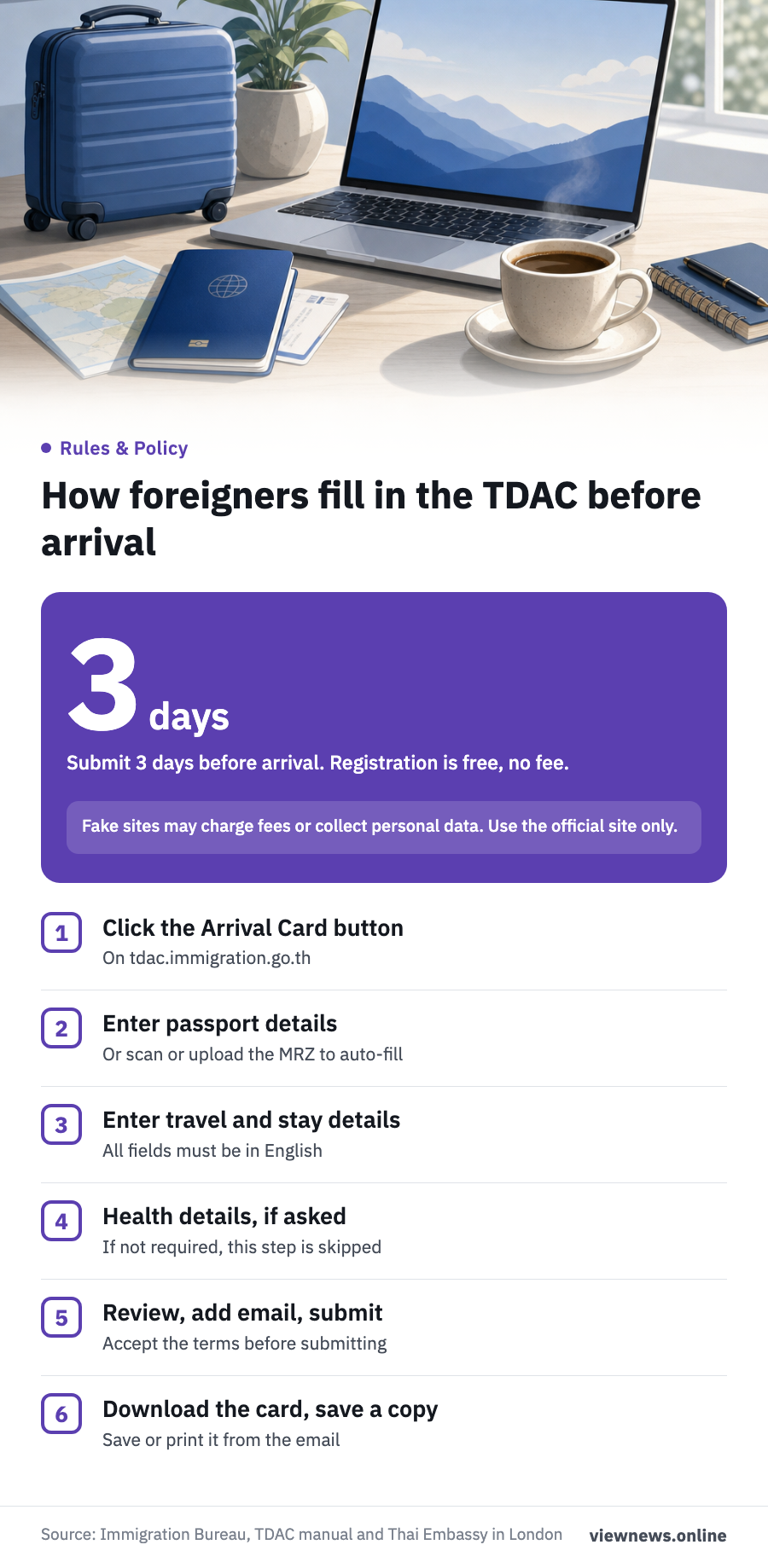
Step by step: filing on the official website
The official channel is the Immigration Bureau website at tdac.immigration.go.th. An English user manual is available at tdac.immigration.go.th/manual/en/. According to the manual, travellers should follow these steps:
- Click the Arrival Card button on the home page.
- Enter passport and personal details. Alternatively, scan the MRZ (the line of machine-readable characters at the bottom of the passport data page) or upload an image of it, and the system will fill in the fields.
- Enter your travel details and where you will stay in Thailand.
- Complete the health information section, if the system asks for it.
- Review the details, enter an email address, accept the terms and submit.
- Download the card, and save or print a copy from the email you receive.
All fields must be completed in English. The health section appears only if the country you visited in the two weeks before arrival, your country of boarding, your nationality or your flight is on a list set by the Ministry of Public Health. If none of these apply, the step does not appear.
Groups and families can file together. The manual says to enter the first traveller's details, then click Add Other Travelers to add the next person. Up to 10 travellers can be included in one submission. The Same as Previous Traveler button copies travel and accommodation details from the person before.
When to file, and how to correct mistakes
Both Thai embassies advise registering within 3 days before arrival. The Immigration Bureau's manual says to submit 3 days ahead of your arrival date. If your trip is close, check the official website again before filing, because the system's rules can change.
After you submit, the system emails you the card and an eligibility result. If it shows AUTOMATED BORDER CONTROL - ELIGIBLE, you can use the automated border control (ABC) gate. If it shows IMMIGRATION COUNTER - MANUAL PROCESSING, use a regular immigration counter.
If your travel plans change, you can edit the card at any time before you depart. Click Update Arrival Card and search using your TDAC number, date of birth and nationality. Then edit the details, review them, enter your email, accept the terms and download the updated card. The system does not let you change your full name as shown in the passport, your nationality or your date of birth.
Beware of fake websites that charge fees
The Immigration Bureau has warned about fake websites several times, in late 2025 and again in early 2026. It stresses that TDAC registration is completely free and involves no money transfer. Fake sites may charge fees or collect travellers' personal data. Travellers should register only through the official website.
If a page asks for payment before you can submit the form, stop and go back to tdac.immigration.go.th. If you are helping a friend or customer from overseas, send them the official link directly instead of asking them to search for it. That way they are less likely to land on a site unconnected to the government.
Source: Immigration Bureau, TDAC user manual and warnings about fake websites; Royal Thai Embassy in London and Royal Thai Embassy in Mexico, on the Thailand Digital Arrival Card.
This article is adapted from ViewNews' Thai-language report.