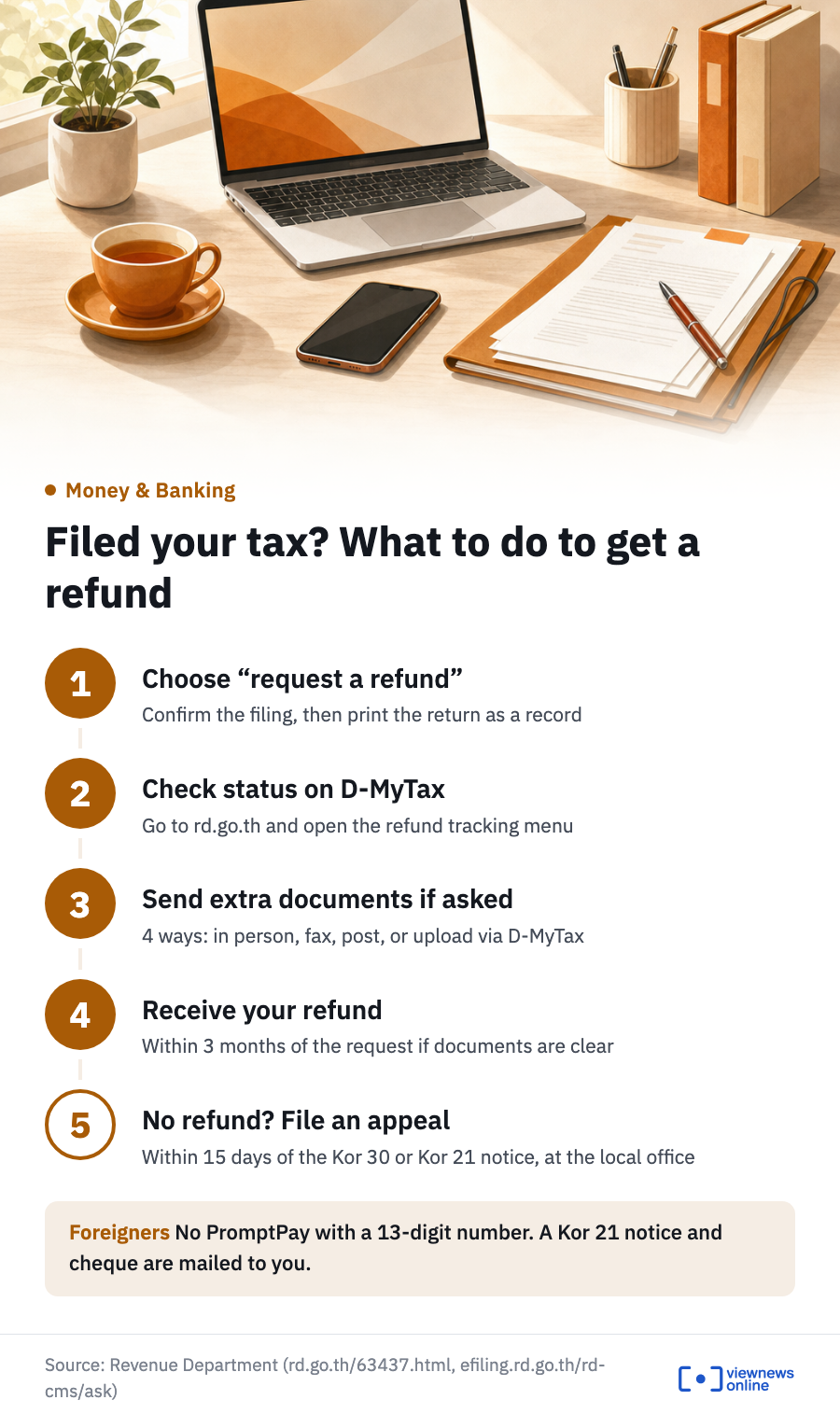
People who file a Thai income tax return and ask for a refund can track the claim on D-MyTax, the Revenue Department's online service. The department says it will pay within 3 months of receiving the request if documents clearly show tax was overpaid. Foreign taxpayers should note one difference: refunds paid straight into a PromptPay account are for Thai nationals. Foreigners receive a refund notice and a cheque by post.
Filing the return is not always the end of the process. Anyone claiming a refund still needs to follow the status, send extra documents if asked, and make sure the money will reach them. This article sets out what happens after filing.
Choose “request a refund” when you file
When a Form P.N.D. 90/91 return is filed online and tax has been overpaid, the system asks whether you want a refund. You must choose “request a refund” and then press the button to confirm the filing. Only then is the filing complete. You can print the return and keep it as a record.
The Revenue Department says on the Q&A page of its e-Filing system that a return can be cancelled before the system closes for the day, meaning before midnight on the day of filing. This applies to returns showing a refund or no tax payable. You must not yet have downloaded or printed the return or the receipt. If you spot a mistake, decide before you print.
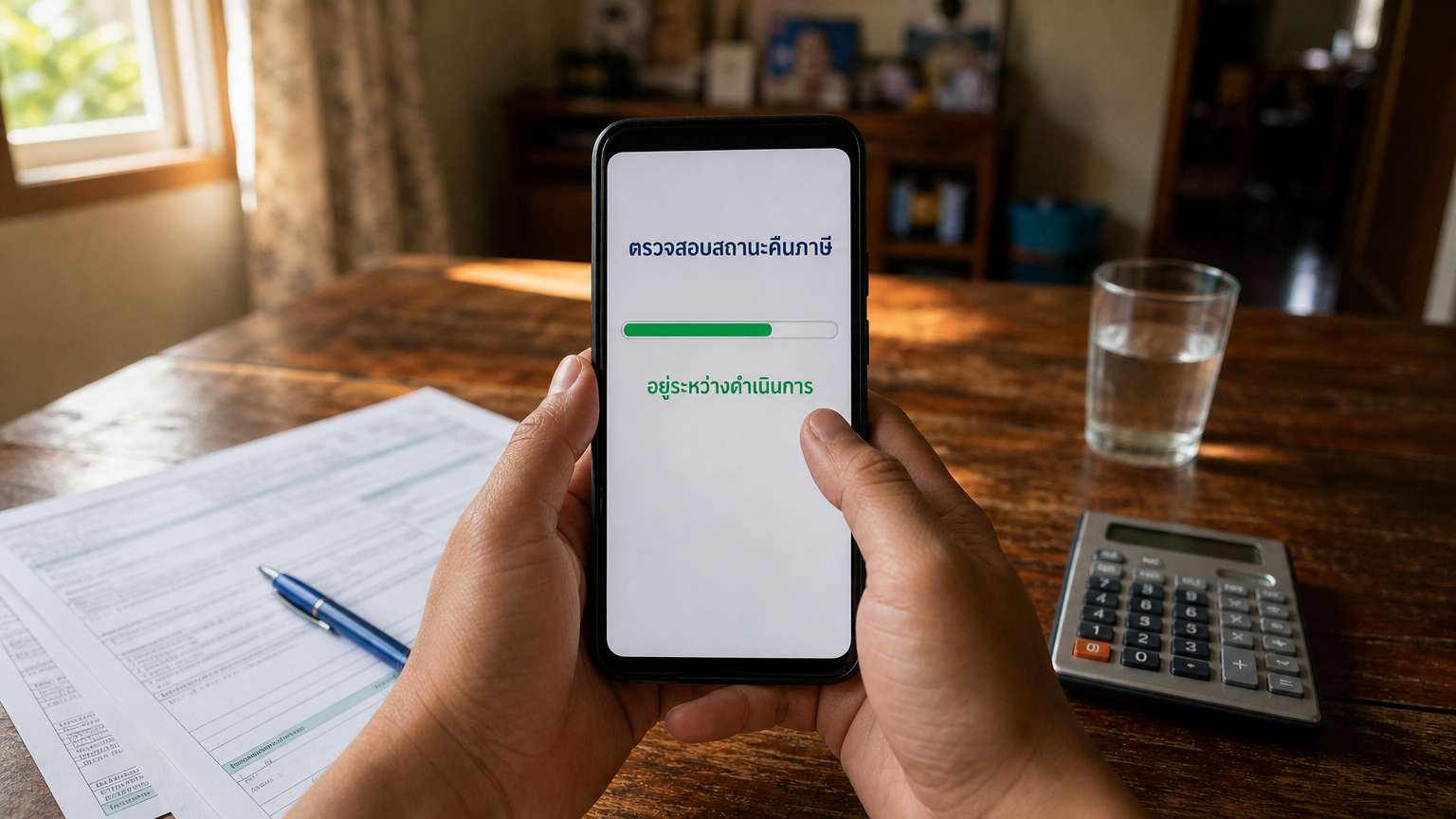
Track the status on D-MyTax
Go to the Revenue Department website, rd.go.th, choose D-MyTax, and log in. Then open the menu for tracking refund status and submitting documents (ติดตามสถานะขอคืน/นำส่งเอกสาร). If you prefer not to use the website, you can ask at the local Revenue Department office for the address listed on your return.
There are two ways to log in:
- RD ID, which needs a user number, a password, the Laser ID code on the back of the Thai ID card, and a one-time password (OTP).
- Digital ID through the ThaID app, the Paotang app, or a bank app (NDID).
The Revenue Department's pages do not say how a foreigner without a Thai ID card should log in. If you are in that position, ask your local Revenue Department office before you file.
The same menu is used to send documents, so if the department asks for more paperwork you can check the status and respond in one place.
Four ways to send documents
After filing online, you can send extra documents in four ways: in person, by fax, by post using a document cover sheet, or by uploading through D-MyTax.
For in-person, fax or postal delivery, print the cover sheet and send it with the documents. State the number of pages and a phone number so the office can call you back. The cover sheet can be printed from the My Tax Account menu under the tax information section.
To upload, log in to D-MyTax, open the tracking menu, choose to select documents for submission, and add your files. Check the limits first:
- Accepted file types are JPG, BMP, PNG, TIF and PDF.
- Each file must be no larger than 10 MB, and one submission must total no more than 50 MB.
- PDF files protected by a password cannot be used. Remove the password before uploading.
If a file is too large or a document has many pages, you can split it. The system allows an unlimited number of submissions.
How the money reaches you
The department pays refunds into accounts registered for PromptPay using the 13-digit national ID number. This method is for individual Thai nationals who ask for the refund to go to such an account.
If you do not use PromptPay, the department issues a tax refund notice (ค.21). You take it to a Krungthai Bank or Bank for Agriculture and Agricultural Cooperatives (BAAC) branch to collect the money.
Foreigners are in a different position. The Revenue Department says foreign individuals, ordinary partnerships, unregistered groups of persons, community enterprises and undivided estates cannot register PromptPay with a 13-digit number. For them, the department mails the refund notice together with a cheque to the address given on the return. The cheque can be deposited only at a bank branch. Make sure the address on your return is one where you can receive mail.
On timing, the department says it will refund within 3 months where documents clearly show tax was overpaid, paid in error, paid twice, or not owed. The period runs from the date it receives the request, made on a Form P.N.D. 90/91 marked for a refund or on Form Kor 10. The 3-month period applies only when documents are clear, so check the status regularly and send any requested document quickly.
If you are not paid, or are paid less
If you receive no refund, or less than you claimed, you can appeal within 15 days of receiving either a notice that the refund is refused (ค.30) or the refund notice (Kor 21). File the appeal at the local Revenue Department office named in the notice.
Two other problems come up. The Kor 21 sent by post may be lost, or you may not collect the money within the period stated in the notice. You can then ask the local office for a new notice, or file Form Kor 39 (ค.39) through D-MyTax.
Frequently asked questions
When can I check the status of a paper return?
You can check one day after the filing date, using the same route as online filers.
How does a foreigner receive a refund?
The department mails the Kor 21 notice with a cheque to the address on the return. The cheque can be deposited only at a bank branch.
How long does a refund take?
The department says within 3 months of receiving the request, if documents clearly show an overpayment.
Source: the Revenue Department, refund Q&A page (rd.go.th/63437.html) and the e-Filing Q&A page (efiling.rd.go.th/rd-cms/ask).
This article is adapted from ViewNews' Thai-language report.